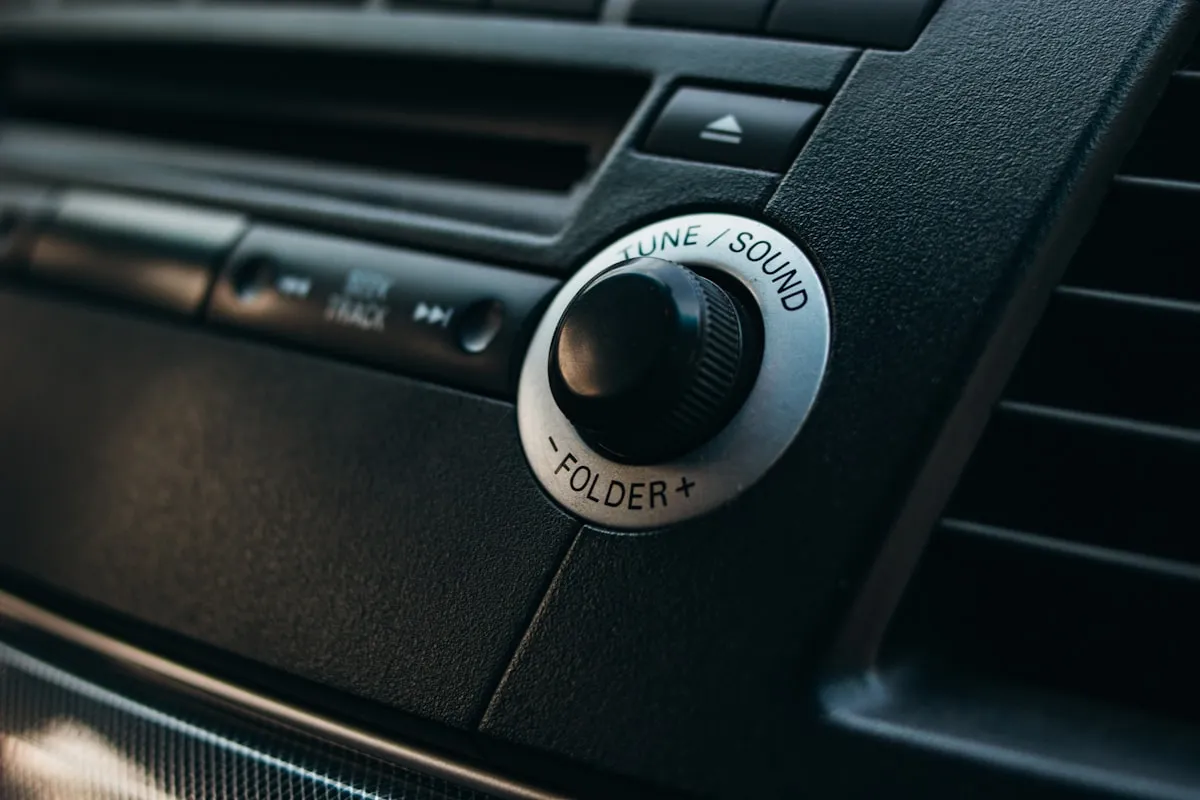
Cabin-tech upgrades feel intimidating until you break them into two simple goals: getting modern phone integration on the screen and getting a safer view behind the car. Wireless head units and backup cameras solve those problems without forcing a full custom-audio build.
The easiest upgrade path is usually the one that preserves the car’s daily usability. That means checking fit, power, and screen placement before chasing the largest feature list.
Key takeaways
- Choose the upgrade path that fits the car’s dashboard and your install skill level.
- Wireless phone integration is often the biggest quality-of-life gain.
- A backup camera upgrade is most useful when the view is clean and reliable.
- Mounting kits and compatibility notes matter as much as the electronics.
- Simple, stable functionality beats a huge feature sheet in an older car.
Decide whether the car needs a screen or just better integration
Some owners only need a cleaner way to run navigation and calls. Others want a full replacement screen because the factory setup is dated or nonexistent. That first decision keeps the shopping list realistic.
If the vehicle already has a usable audio system, a straightforward head-unit swap may be more satisfying than a complex custom install.
Treat the backup camera as a safety upgrade, not a novelty
A backup camera earns its keep when it gives a clear image, powers on consistently, and does not require elaborate workarounds every time you shift into reverse. That reliability matters more than fancy overlays.
For daily drivers, a simple camera with a clean image is usually the right answer.
Respect the install details
A head unit that technically fits but requires messy trim cutting or a camera that ends up routed poorly can turn a smart upgrade into a lingering annoyance. Read the compatibility notes, bracket requirements, and power instructions before buying.
The project goes much better when the supporting pieces—mounting hardware, harness adapters, and trim parts—are treated as part of the budget.
Quick shopping links
These links point to stable shopping categories rather than one short-lived listing, which makes the article easier to maintain over time.
Wireless CarPlay or Android Auto head units
A good screen upgrade can modernize an older car without changing everything else.
Universal backup camera kits
Prioritize image clarity and dependable switching over gimmicky extras.
Mounting hardware and trim kits
The supporting install parts matter just as much as the electronics.
USB charging add-ons
A clean charging setup complements a cabin-tech refresh nicely.
Helpful references
Prices and availability can change quickly. For articles scheduled in earlier years, these drafts use durable category-level shopping links so the advice stays relevant even as specific listings rotate.
Bottom line
The best affiliate-friendly automotive article is the one that helps the reader buy one sensible thing they will actually use, not a cart full of impulse accessories. When a product category is framed around fit, reliability, and use case, the article stays useful much longer.
For Chariotz, that means leaning into durable buying advice, clear tradeoffs, and category-level shopping links that can be updated later with specific products once inventory and testing notes are locked in.