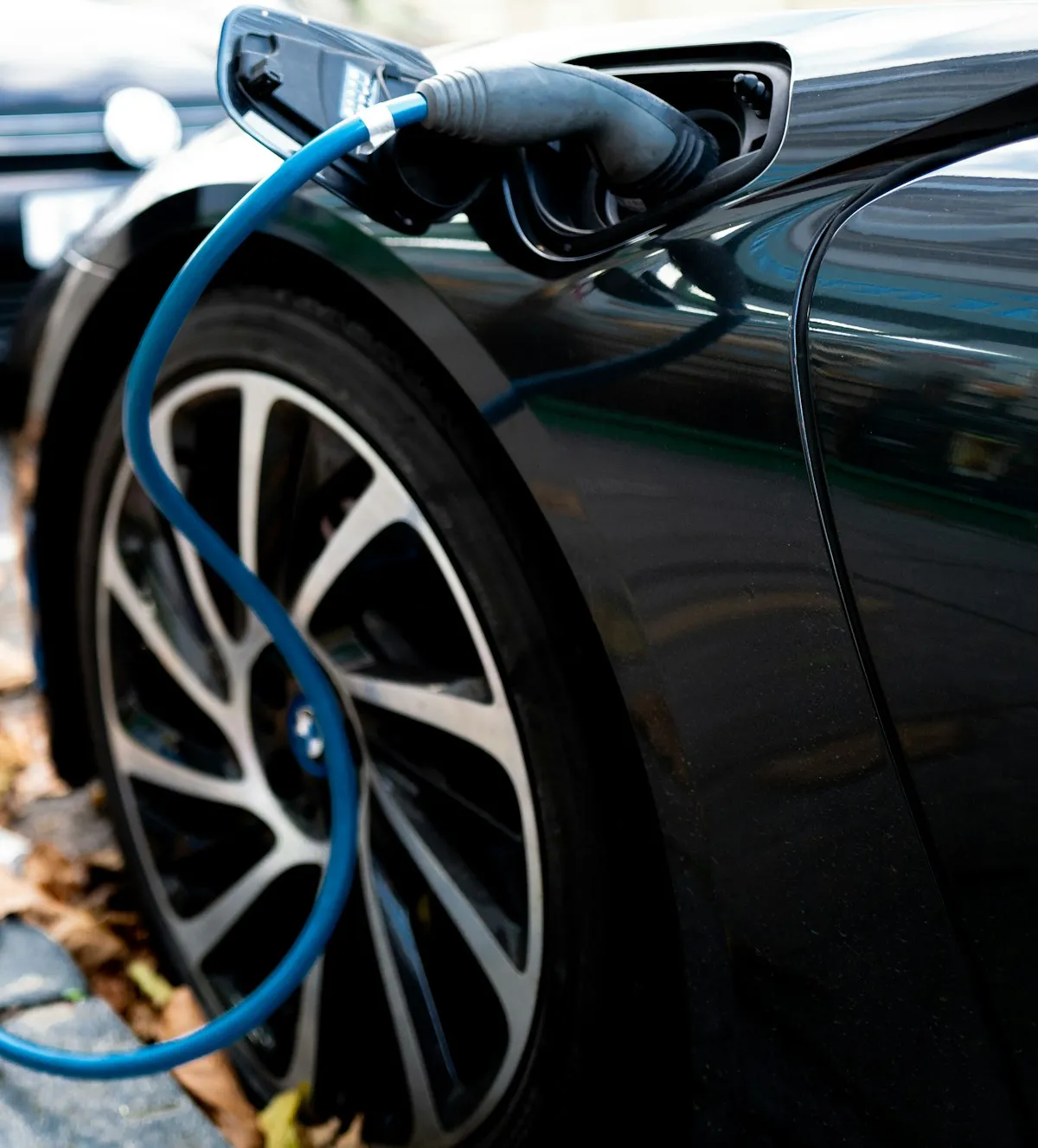
Spring is when EV owners get reassured or surprised. All winter, the range readouts were lower than the summer numbers, and that’s expected — cold batteries have less usable capacity, cabin heating is a real draw, and cold tires have higher rolling resistance. But once ambient temperatures come back up, the numbers should come back up too. If they don’t, that’s a different story. The work of the spring range check is separating the normal seasonal swing from actual permanent capacity loss, and most owners aren’t doing it with the right data.
Key takeaways
- Range loss below about 10% year-over-year at 80% state-of-charge is within normal degradation for most EV chemistries
- The quick in-car range estimator is a rolling average of recent driving, not a true capacity measurement — use the battery’s health data instead
- A full top-down charge (100% to near-empty) with known-consistent conditions is the most useful home range test
- OBD-II scanners with EV-specific apps now give cell-level voltage and capacity data that was dealer-only a few years ago
- Fast-charging behavior tells you more about long-term battery health than range numbers alone
Why the in-car range number lies to you
Almost every EV displays a range estimate that’s actually a rolling average of recent consumption. If you spent three months driving short winter trips with the heater running, the estimator learned that your car uses a lot of energy per mile. When ambient warms up, the estimator will take several hundred miles to catch up to your actual consumption. During that lag, range readings will be lower than the car is actually capable of — not because of degradation, but because of the estimator’s memory.
Treat the in-car range number as a driving guide, not a diagnostic. The actual state of your battery is elsewhere — either in the service menu, in the manufacturer app, or available through an OBD-II scan tool.
What the manufacturer data actually shows
Most current-gen EVs report state-of-health (SoH) or a similar metric somewhere in the service menu or through the companion app. For Teslas, it’s the battery report in the Service menu, usually accessible through the touchscreen. For newer Hyundai/Kia/Genesis EVs, it’s in the service pages or available through the Bluelink app. For Ford, it’s in FordPass. For GM, it’s in MyChevrolet/MyGMC.
The number these apps report is typically battery capacity as a percentage of original. New, you’d see 100%. After two or three years of normal use, expect 88–95% depending on fast-charging habits and climate. Below about 85% at three years is faster degradation than normal, though not yet dramatic.
The home range test
The most reliable home-garage test is simple: charge to 100%, drive until the battery is at 5–10%, and divide total energy consumed by miles driven to get actual Wh/mile. Compare this number across years in similar weather — it’ll tell you whether your energy efficiency has changed, which is either a battery issue or a drivetrain issue (or, more often, a tire pressure issue you overlooked).
Critical: do this test in consistent conditions. Same route, same time of day, same HVAC setting, same tire pressure, same payload. Otherwise the numbers aren’t comparable year-over-year. One spring test with careful controls beats ten sloppy measurements.
Cell-level data with OBD-II tools
Modern EV-specific OBD-II apps — Car Scanner Pro, Leaf Spy (for Nissan/Infiniti), ABRP integrations, and a handful of Tesla-specific tools — now expose cell-level voltage and capacity data that used to be dealer-only. A healthy pack has all cells within a few millivolts of each other at rest. A degrading pack shows increasing spread, where the weakest cells drop meaningfully below the average.
If cell spread is growing year-over-year, that’s a much more reliable degradation indicator than aggregate capacity numbers. A pack with increasing cell imbalance is going to lose range faster in the next year than a pack with tight balance at the same aggregate SoH.
Fast-charging curve as a health indicator
How your car charges at a DC fast charger is one of the most useful indicators of battery health, and almost nobody looks at it correctly. A healthy pack on a high-power fast charger will hold peak power for a meaningful portion of the charge session — typically from 10% to 50% or 60% state-of-charge, depending on the platform. As batteries age, that peak-power window narrows and the total session slows.
Next time you fast-charge, watch the kilowatt number as state-of-charge climbs. If the car is holding 150 kW through 50% and tapering gradually, that’s healthy. If peak power is dropping off by 30% state-of-charge, that’s either a preconditioning issue (the battery wasn’t warmed before arrival) or an aging-pack issue.
What to do if the numbers are worse than expected
A battery that’s degraded faster than expected has a few different explanations. Most frequent fast-charging use shows up in the numbers. Frequent full 100% charging followed by immediate departure (no rest time at 100%) is harder on lithium-ion chemistry than charging to 80% for daily use. Extended storage at full charge or near-empty is also a factor for cars that aren’t driven daily.
If the data genuinely shows accelerated degradation — 15% or more capacity loss within the first two years — it’s worth a dealer visit while the battery is still under warranty. Most manufacturer warranties cover 70% or 75% capacity at 8–10 years, and a battery trending below that threshold early may qualify for warranty intervention now.
Bottom line
The spring range check is about replacing vibes with data. The in-car readout is not the data. What matters is the battery’s actual state-of-health, the consistency of cell voltages at rest, and the shape of the fast-charging curve compared to last year’s. Once you have those numbers, you know whether your car is aging normally or whether something is worth investigating before warranty timelines close.